YouTube Shorts, without the editing.
Type an idea and get a vertical Short with a voiceover, footage and subtitles. Or turn your long videos into Shorts that point back to the full episode.
30 free credits · no card
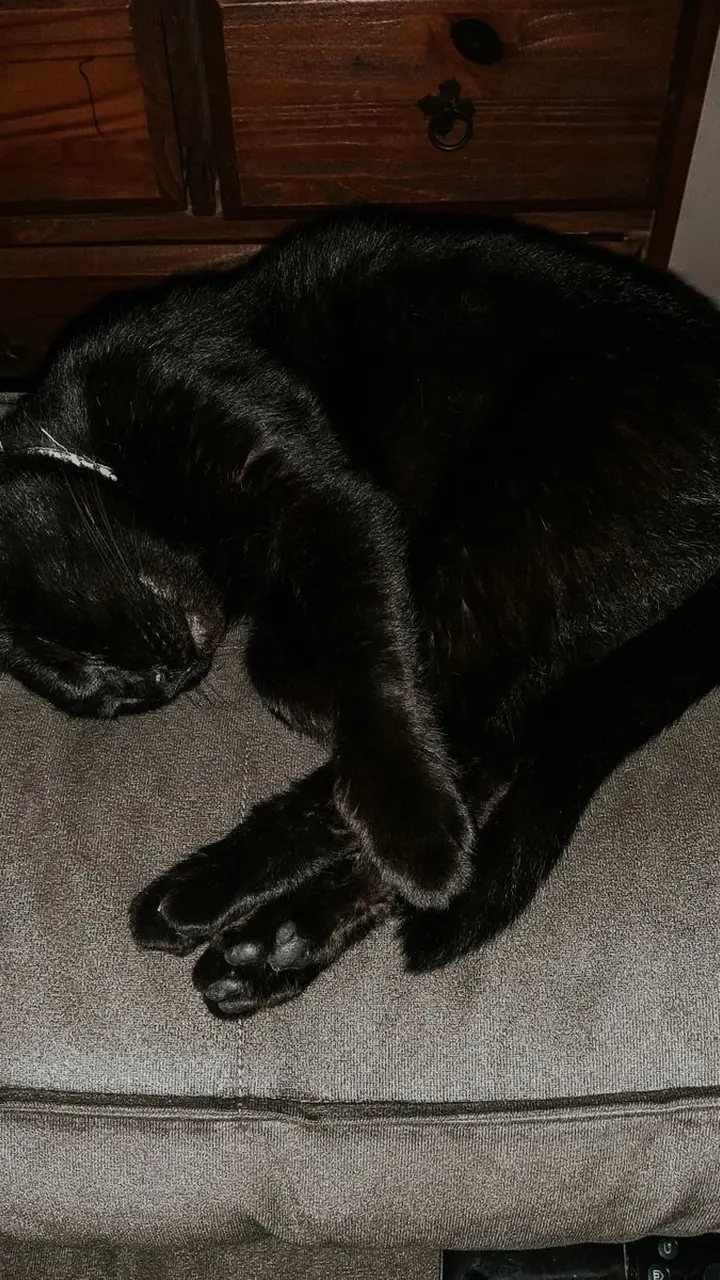 Why cats purr
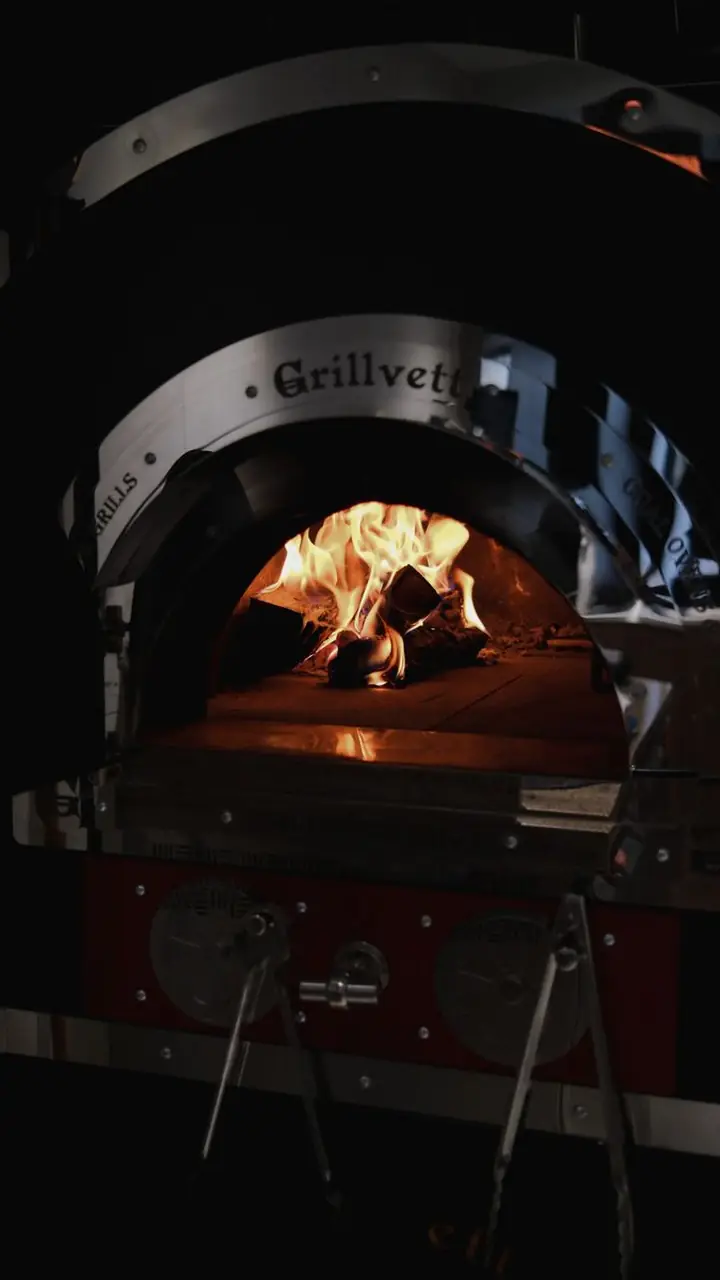 The history of pizza in 15 seconds
WHY IT FITS
Made for the format, not retrofitted.
A steady cadence
Shorts reward channels that post often. Creating a video takes about a minute, so a daily schedule stops being a second job.
Feeds your long videos
Cut your best moments into Shorts and let them send viewers to the full video.
Made for sound off and on
Large word-by-word subtitles keep people watching even when they scroll on mute.
HOW TO DO IT
Four steps. No editor.
Choose a tool
Create video for new ideas, Cut clips for existing videos.
Pick a length
15, 30 or 60 seconds. Most Shorts that hold attention are short.
Review
Keep it or make another version.
Upload
Download the MP4 and upload it as a Short.
TIPS
What works on YouTube Shorts
- Put the payoff in the first two seconds, then explain it.
- Keep one idea per video. Make two videos instead of a crowded one.
- End on a question so viewers comment.
- Re-use a topic with a different angle instead of repeating it word for word.
KEEP READING
How to make YouTube Shorts with AI, step by stepA practical workflow for making YouTube Shorts with AI: pick a topic, write to length, add a voice, footage and captions, and publish on a steady schedule.Turn a long video into Shorts, Reels and TikToksHow to find the best moments in a long video, cut them into vertical clips with subtitles and post them on every short-video platform.FAQ
YouTube Shorts, answered
Did not find an answer? Write to us
Are the videos vertical?
Yes, 1080 by 1920 at 9:16, the format Shorts expects.
Can I turn a long YouTube video into Shorts?
Yes. Paste the link or upload the file in Cut clips and Uma finds the strongest moments.
Does it add subtitles?
Yes, animated word-by-word subtitles are burned into every video.