Reels with a clean look.
Pick a calm cinematic style or a bold one, add a voice and music, and get a Reel that is ready to post in the right format.
30 free credits · no card
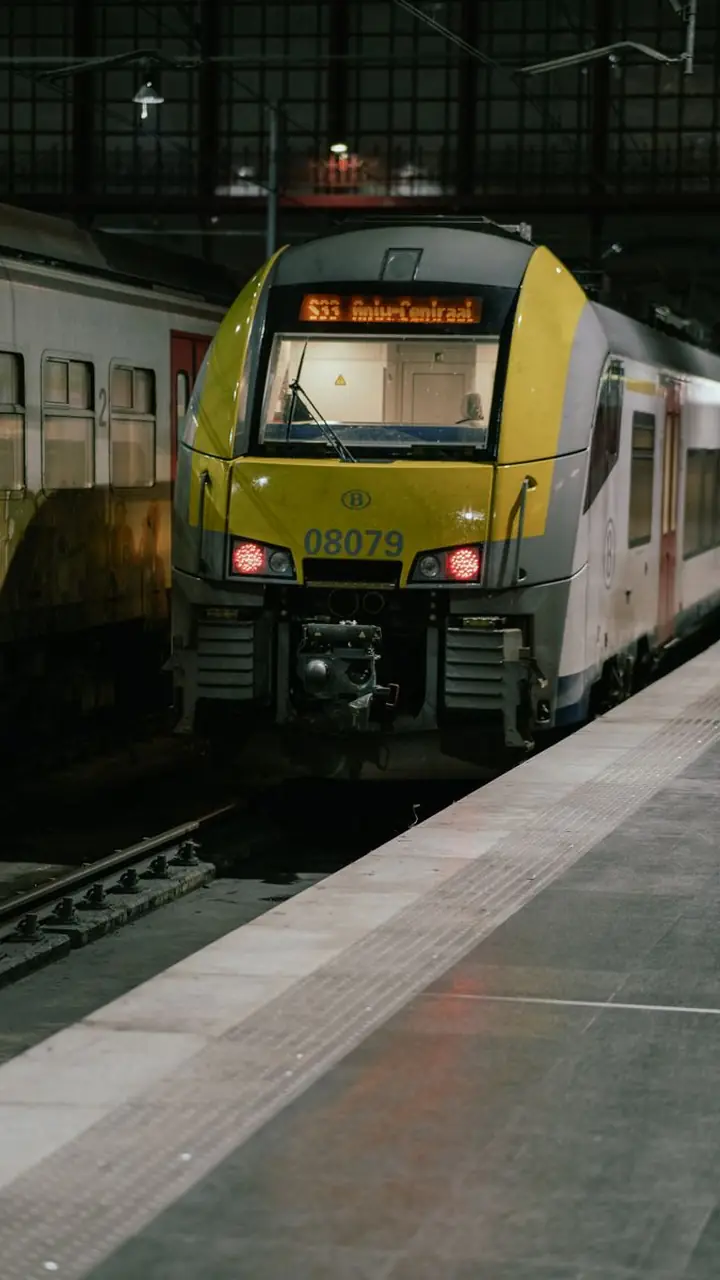 How to travel Europe on the cheap
 Why rain smells the way it does
WHY IT FITS
Made for the format, not retrofitted.
Looks like you made it on purpose
Cinematic and documentary styles give a calmer, more polished feel than a rushed edit.
Voiceover without a microphone
Choose a voice and let the script do the talking.
One video, many platforms
The same vertical MP4 also works for TikTok and Shorts.
HOW TO DO IT
Four steps. No editor.
01
Describe the Reel
A topic, a tone and who it is for.
02
Pick a style
Cinematic for mood, fast cuts for energy.
03
Create
Review the result and download.
04
Post
Upload to Instagram as a Reel.
TIPS
What works on Instagram Reels
- Keep text away from the top and bottom edges, where the interface covers it.
- Use one clear idea per Reel.
- Write a caption that adds something the video does not say.
- Post at the same time each day to build a habit.
KEEP READING
How to make YouTube Shorts with AI, step by stepA practical workflow for making YouTube Shorts with AI: pick a topic, write to length, add a voice, footage and captions, and publish on a steady schedule.How to start a faceless channelA beginner guide to faceless channels: choosing a niche, building a consistent look, producing videos fast and avoiding the common mistakes.FAQ
Instagram Reels, answered
Did not find an answer? Write to us
Do you add music?
Yes, a background track under the voice. You can switch it off.
What size are the files?
Vertical 1080 by 1920 MP4.
Can I post directly from Uma?
Not yet. Download the file and upload it.